
HopStop
Your calendar already knows where you're going today. HopStop puts your day's appointments on a map.

Free to download for iPhone. Pro is a one-time $14.99 purchase.
Key features
-
1
Your day, mapped.
Open HopStop and today's appointments are pins, numbered in the order you'll reach them and colored by the kind of appointment or the calendar each came from.
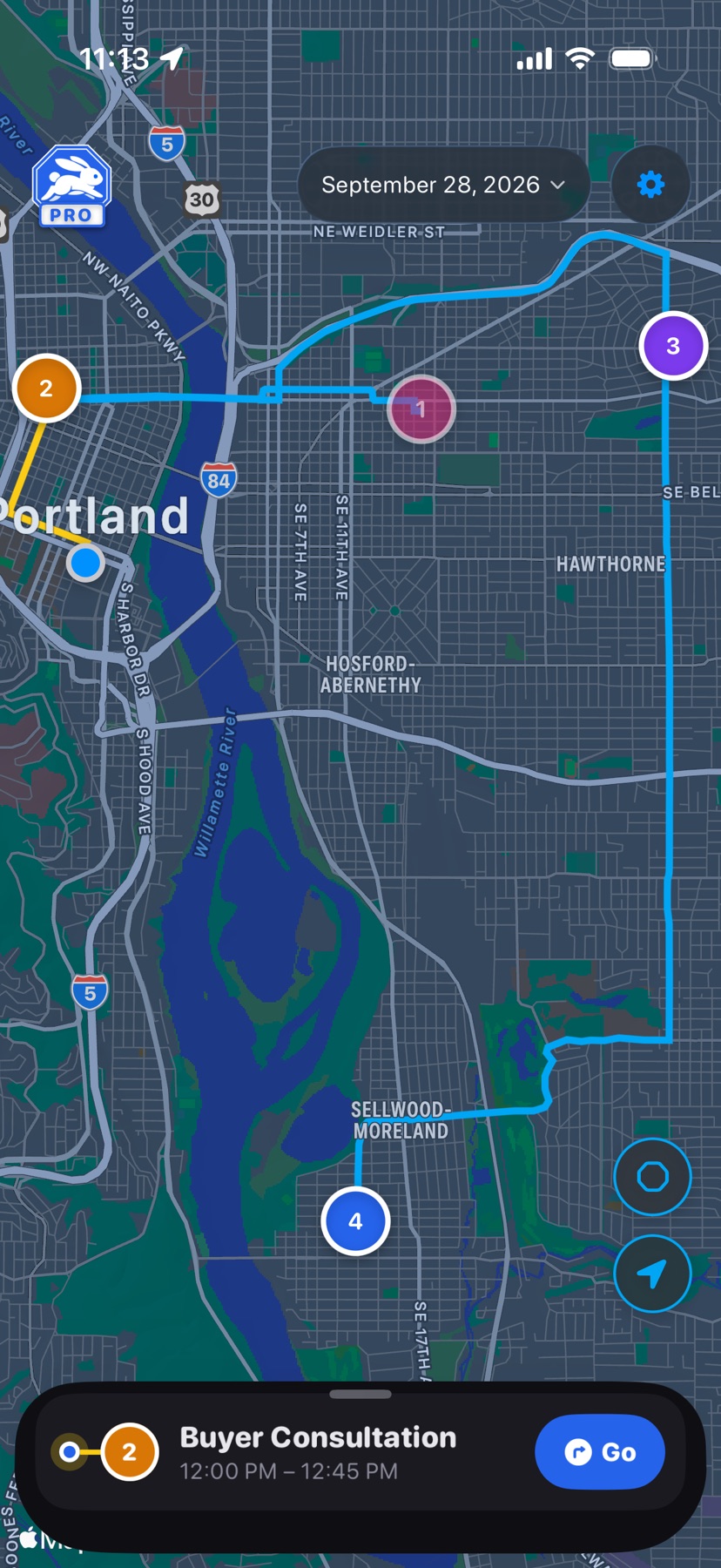
Shown in HopStop 1.0.69 or later.
-
2
Know when to leave.
A departure alert arrives when it's time to go, based on live drive time and the lead time you set. Tap Go to start directions in Apple Maps or Google Maps.
-
3
Plan your pit-stops.
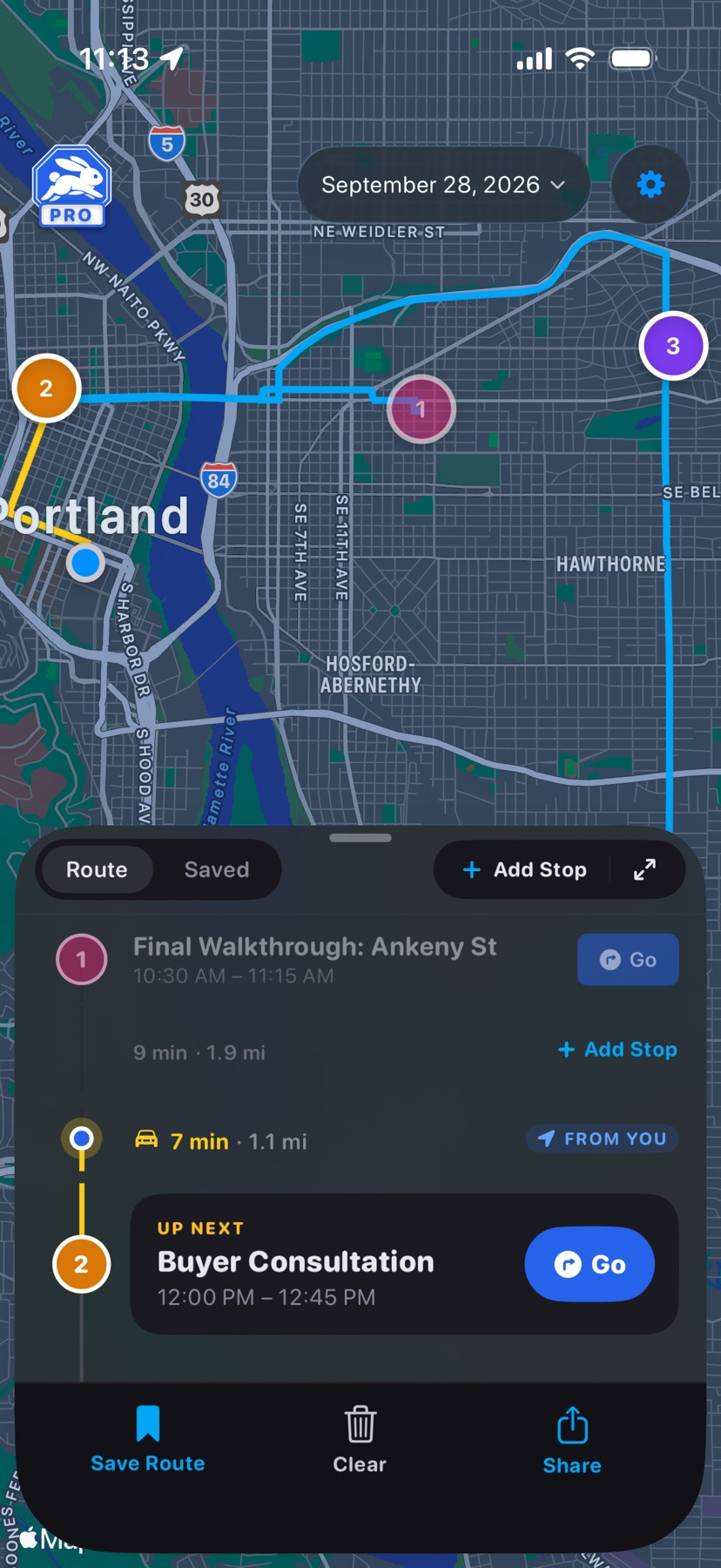
Add a lunch, a fuel stop, or a supply run along the way. Added stops show an octagon so you can tell them from your appointments.
-
4
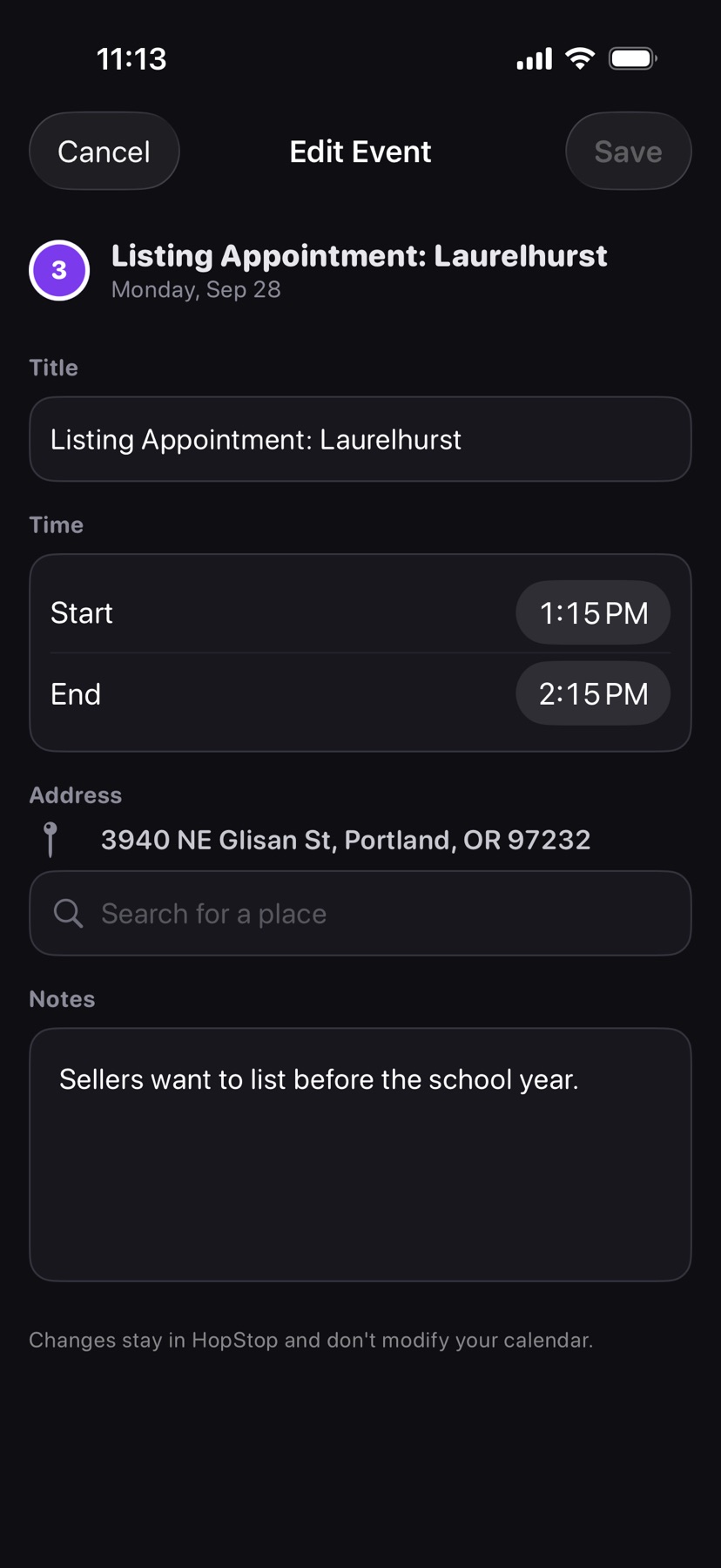
Edit the event, not your calendar.
Your weekly meeting moved across town, just this once. Change its address, time, or title in HopStop, and only this week's route updates. Your calendar stays as you wrote it.
-
5
Share your day.
Send your route by iMessage or email. Each stop includes its time, its address, and a Maps link.
4 stops1 added17.8 mi42 min drivingPro
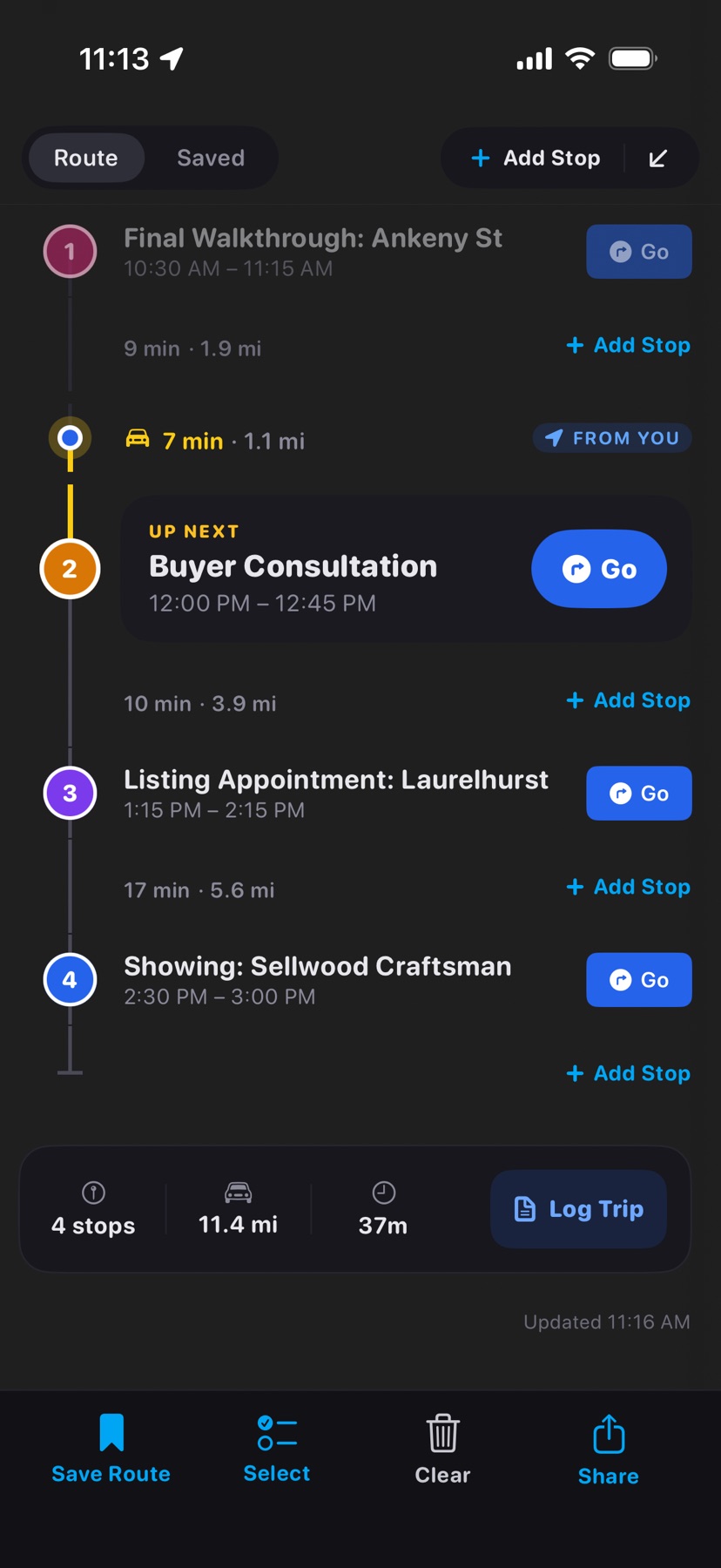
One tap logs the day's miles. Pro
Log Trip saves the day's route to your Mileage Log. Sort trips into categories such as business and personal, and export a CSV for taxes or reimbursement.
| Date | Route | Category | Miles |
|---|---|---|---|
| Apr 6 | 5 stops | Business | 22.4 |
| Apr 7 | 3 stops | Business | 11.9 |
| Apr 8 | 5 stops | Business | 17.8 |
Buy it once.
HopStop is free to download. Pro adds Saved Routes, any date on the calendar, more than one Google account, the Mileage Log, and a home screen widget for a one-time $14.99 purchase. No subscriptions, no ads.